Digital business cards
A business card people actually keep.
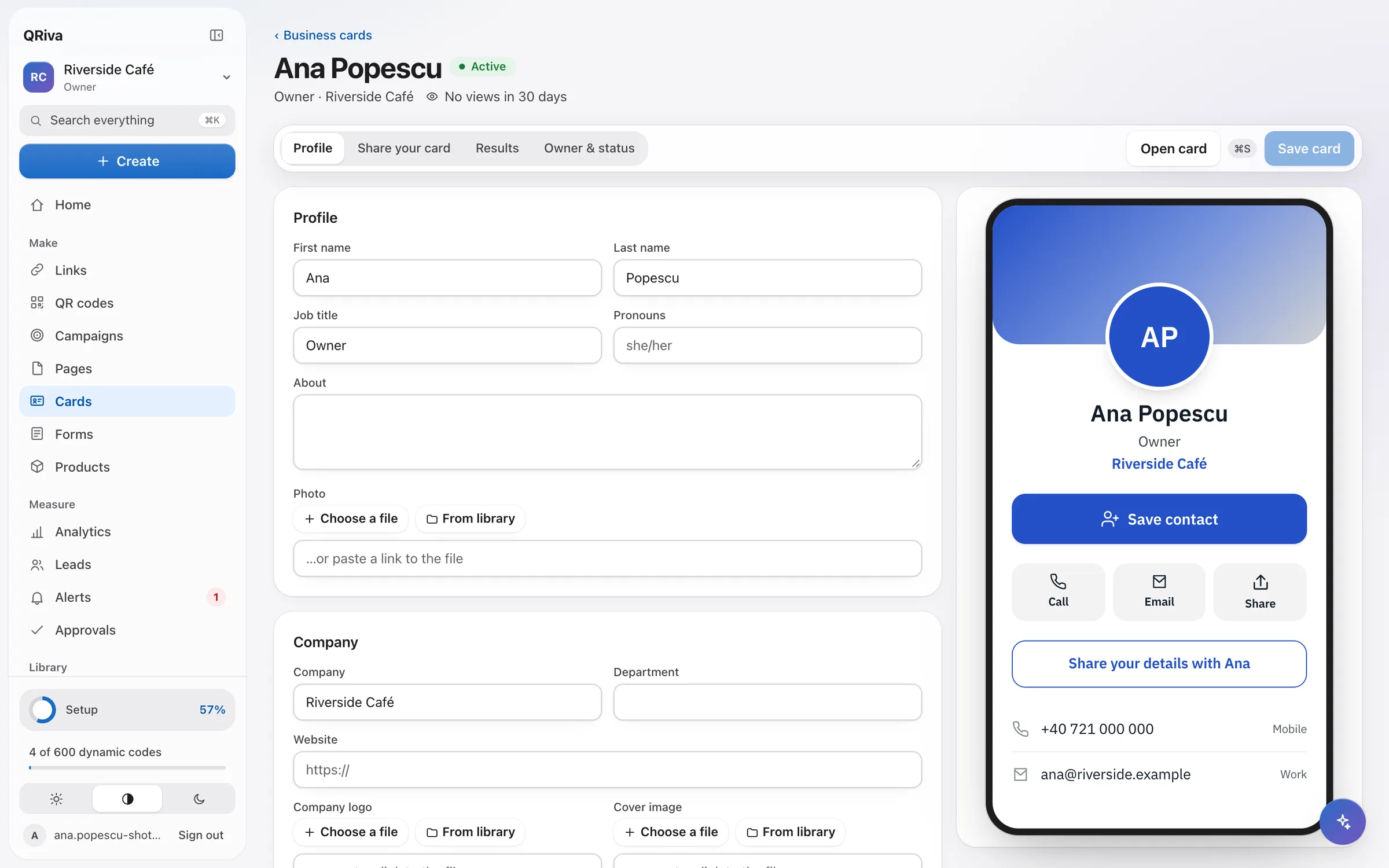
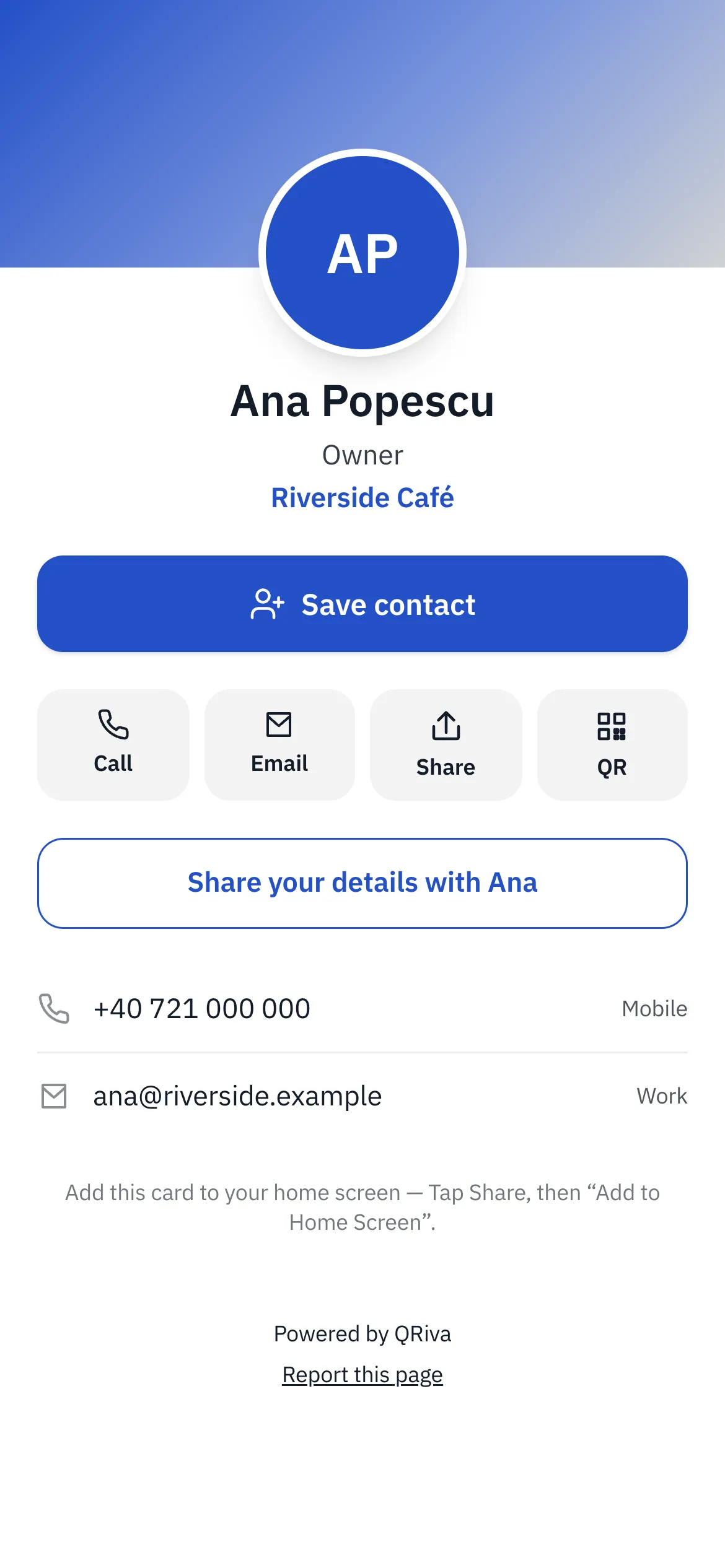
Share your details by QR code, link or NFC. People save you to their contacts in one tap, and can send their details back — with consent.
Why it works
What makes it different
Saved in one tap
“Save contact” downloads a standard contact file with your photo, numbers, e-mails and links.
Leads, not just views
The contact exchange collects details with consent that's never pre-ticked, and puts them in your leads inbox.
Managed by the company
Templates with locked fields keep every card on brand. When someone leaves, their card forwards to the company page.
Digital business cards
Everything that's included
Every item below works in the app today.
Digital business cards
A card people can save in one tap, and a simple way for them to share their details back.
- Photo, cover, logo, pronouns, bio, phones, e-mails, address, socials and custom fields
- “Save contact” downloads a standard vCard contact file
- Share by QR code, link, NFC tag, the share sheet or a full-screen code
- Contact exchange with consent that's never pre-ticked, then next steps like booking a meeting
- An e-mail signature and a video-call background with a scannable code
- Company templates with locked fields, cards in bulk from CSV, and invitations
- When someone leaves, their card forwards to the company page and the printed code keeps working
- Card results: views, contacts saved, details shared, link taps and channels
Digital business cards
Where it works well
Typical ways to use it. Illustrations of a kind of business, not customer stories.
- Example
Events and trade shows
Show a full-screen code or tap an NFC tag, then follow up with everyone who shared their details.
- Example
Sales teams
Cards in bulk from a CSV, with an e-mail signature and a video-call background for each person.
- Example
Freelancers
Portfolio, booking link and socials on one card that opens even offline after the first visit.
Pricing
What each plan includes
Straight from the plan comparison, which is exactly what the app enforces.
| Included | Free | Starter | Pro | Company | Enterprise |
|---|---|---|---|---|---|
| Digital business cards | 1 | 3 | 10 | 25 | Unlimited |
| Team seats | 1 | 1 | 2 | 5 | Unlimited |
| Company card templatesLocked fields, bulk management and e-mail signatures. | Not included | Not included | Not included | Included | Included |
| Remove “Powered by QRiva”On published pages, cards and forms. | Not included | Not included | Included | Included | Included |
Questions
Frequently asked questions
Does the other person need an app?
Can I use an NFC tag?
What happens when someone leaves the company?
What happens to the details people share with me?
Try it free today.
Start on the Free plan — no card needed. Upgrade when you need more.