Leads & automations
Every lead in one inbox. Every follow-up on time.
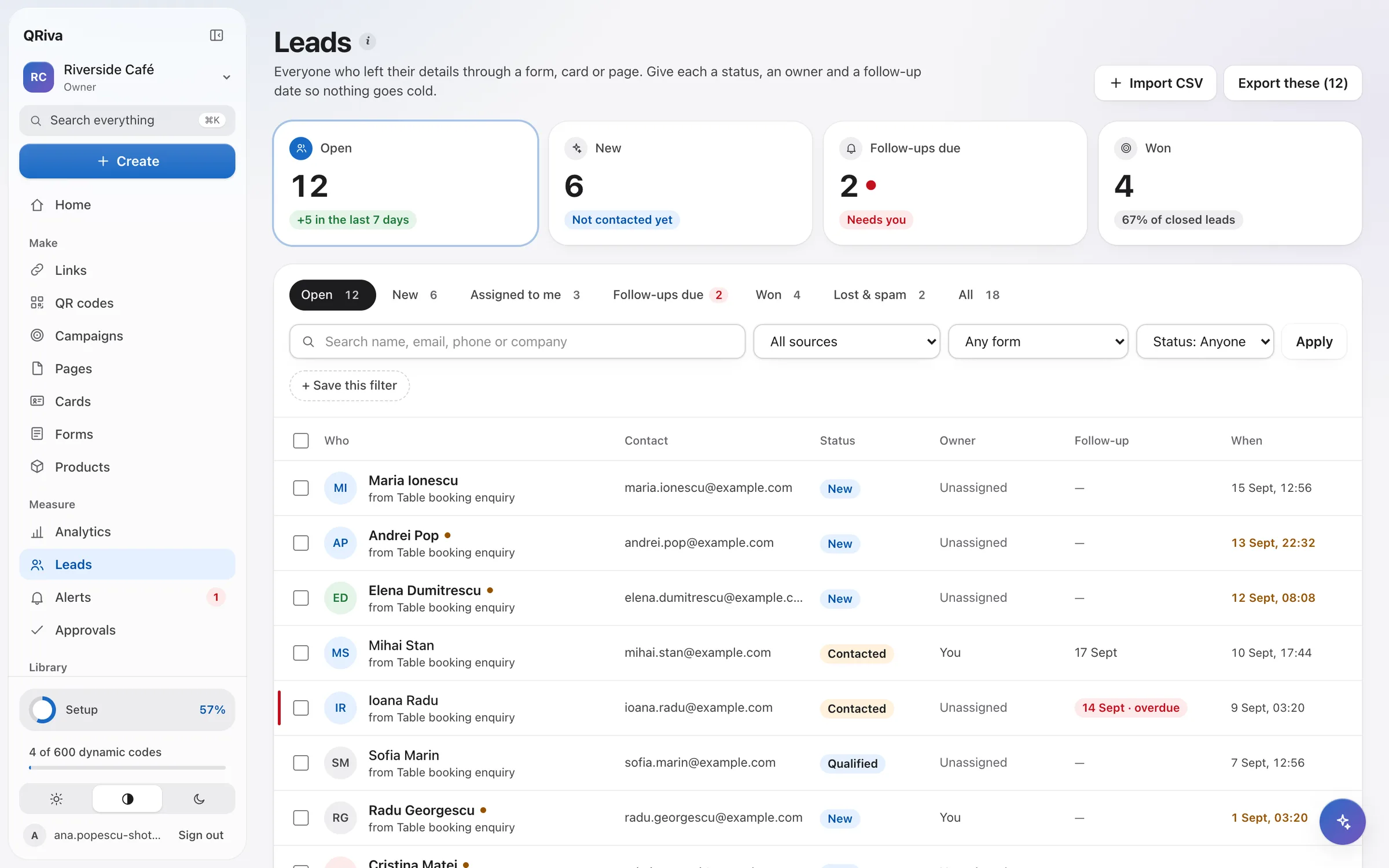
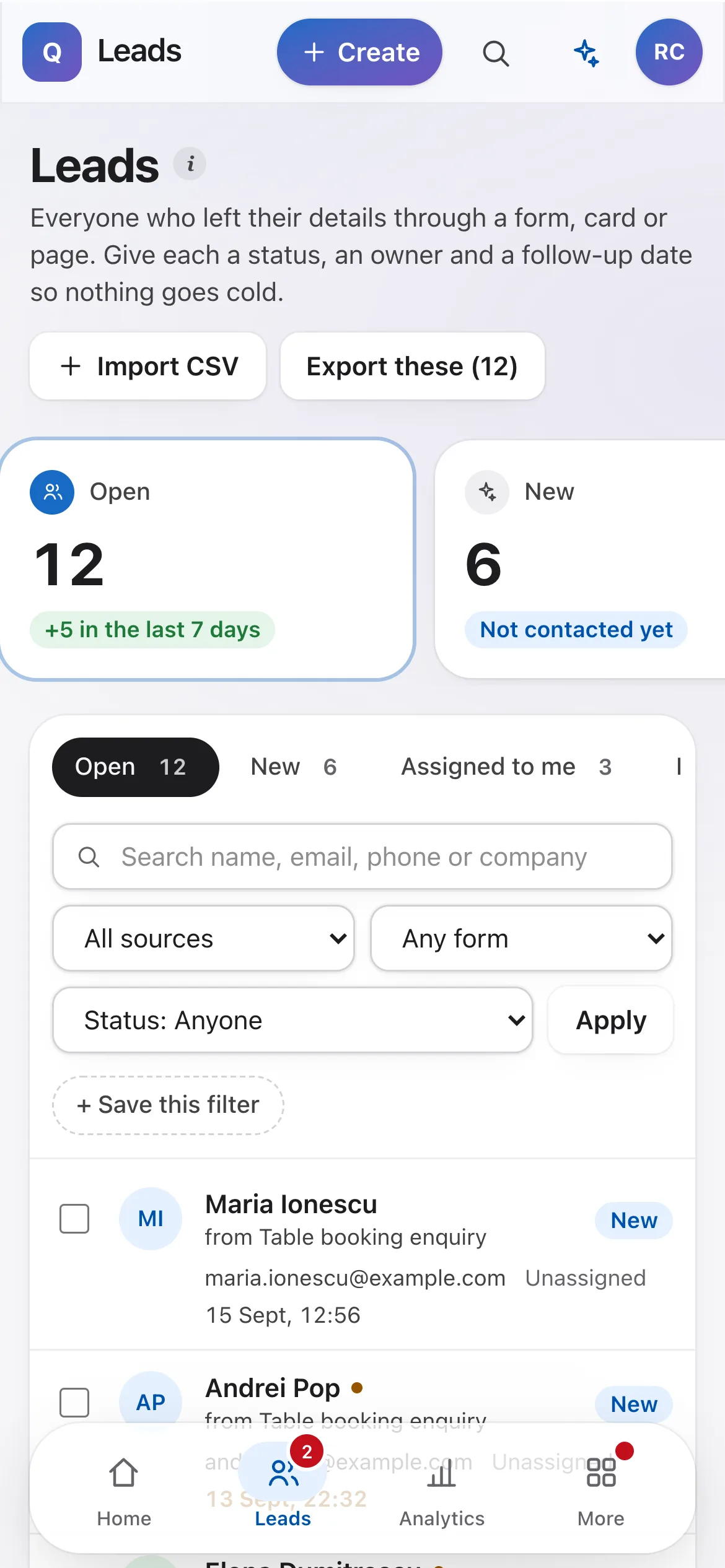
Forms, cards and pages all land in one shared inbox with owners and follow-up dates — and automations do the routine work the moment someone gets in touch.
Why it works
What makes it different
Nothing slips
Statuses, owners, tags and follow-up dates, and “Needs attention” on Home when someone is waiting.
Clean data
Duplicates are found and merged, imports are previewed first, and every lead carries a consent record.
Automations you can trust
Test with a dry run, see what each step did, and retry safely — a finished step never runs twice.
Leads & automations
Everything that's included
Every item below works in the app today.
Leads and CRM-lite
Everyone who gets in touch, in one inbox, with a clear next step.
- One inbox for forms, cards and pages
- Status, owner, tags, notes and follow-up dates
- Duplicate detection and merging, with nothing lost
- Where each lead came from, and their earlier anonymous visits
- CSV import with column mapping and preview, and exports that follow your filters
- A consent record for every lead: wording, version, time and place
- Optionally, members see only the leads assigned to them
- Saved filters, bulk actions and a private calendar feed of follow-ups
Automations and integrations
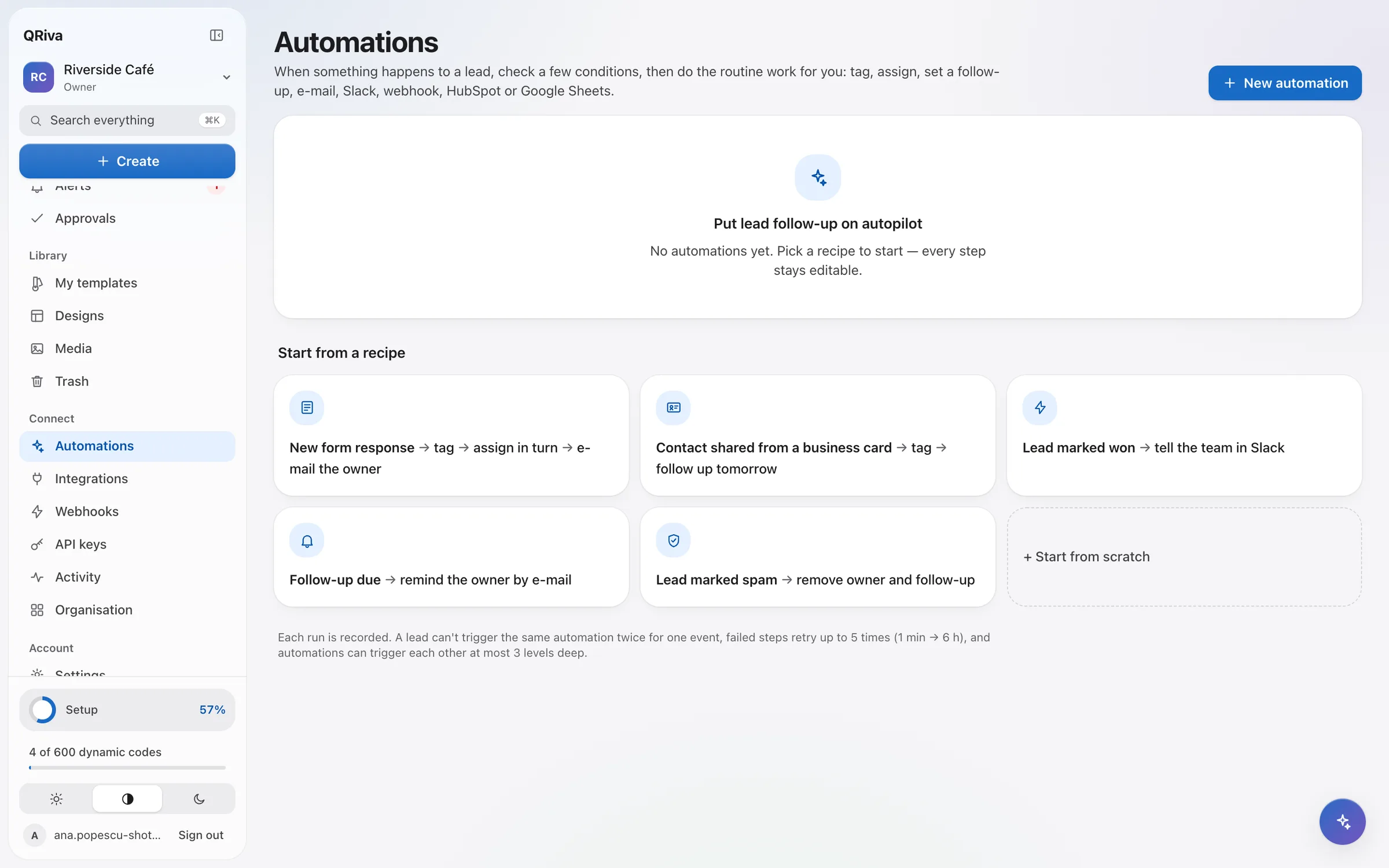
The routine after someone gets in touch, done for you — and visible when you want to check.
- Triggers, conditions and steps: tag, set status, assign in turn, follow up, note, e-mail, Slack, webhook, HubSpot and Google Sheets
- Ready-made recipes, and a dry run to test before switching on
- Run history showing what each step saw and did, with retry
- No duplicate actions when a step is retried
- Signed webhooks, retried automatically, with a delivery log and replay
- A REST API with keys limited to what they need, and an OpenAPI reference
- HubSpot, Google Sheets, a calendar feed, Slack, and Zapier or Make through the API
See it in the app
Leads & automations
Where it works well
Typical ways to use it. Illustrations of a kind of business, not customer stories.
- Example
Event leads
Tag everyone from the stand, assign them in turn and set a follow-up for the next day.
- Example
Enquiries into your tools
Send new leads to HubSpot, a Google Sheet, or anywhere else with a webhook.
- Example
Shared team inboxes
Members see only the leads assigned to them, while owners and admins see everything.
Pricing
What each plan includes
Straight from the plan comparison, which is exactly what the app enforces.
| Included | Free | Starter | Pro | Company | Enterprise |
|---|---|---|---|---|---|
| Automations | Not included | 1 | 5 | 25 | Unlimited |
| Team seats | 1 | 1 | 2 | 5 | Unlimited |
| WebhooksSigned deliveries, automatic retries and a delivery log. | Not included | Not included | Included | Included | Included |
| Google Sheets, calendar feed, Zapier and MakeZapier and Make connect through the API. | Not included | Not included | Included | Included | Included |
| HubSpotNew leads create or update HubSpot contacts. | Not included | Not included | Not included | Included | Included |
| REST APIScoped API keys and an OpenAPI reference. | Not included | Not included | Included | Included | Included |
Questions
Frequently asked questions
Does QRiva replace my CRM?
Will automations e-mail people who didn't consent?
Can I import the contacts I already have?
Is there an API?
Try it free today.
Start on the Free plan — no card needed. Upgrade when you need more.